
 AsimAli
Modern gaming PCs are designed for more than playing games. They can also record gameplay, stream live content, edit videos, and create high-quality media for online platforms. One technology that makes these activities more efficient is AV1 encoding, a modern video compression standard that delivers excellent visual quality while reducing file sizes and streaming bandwidth requirements.
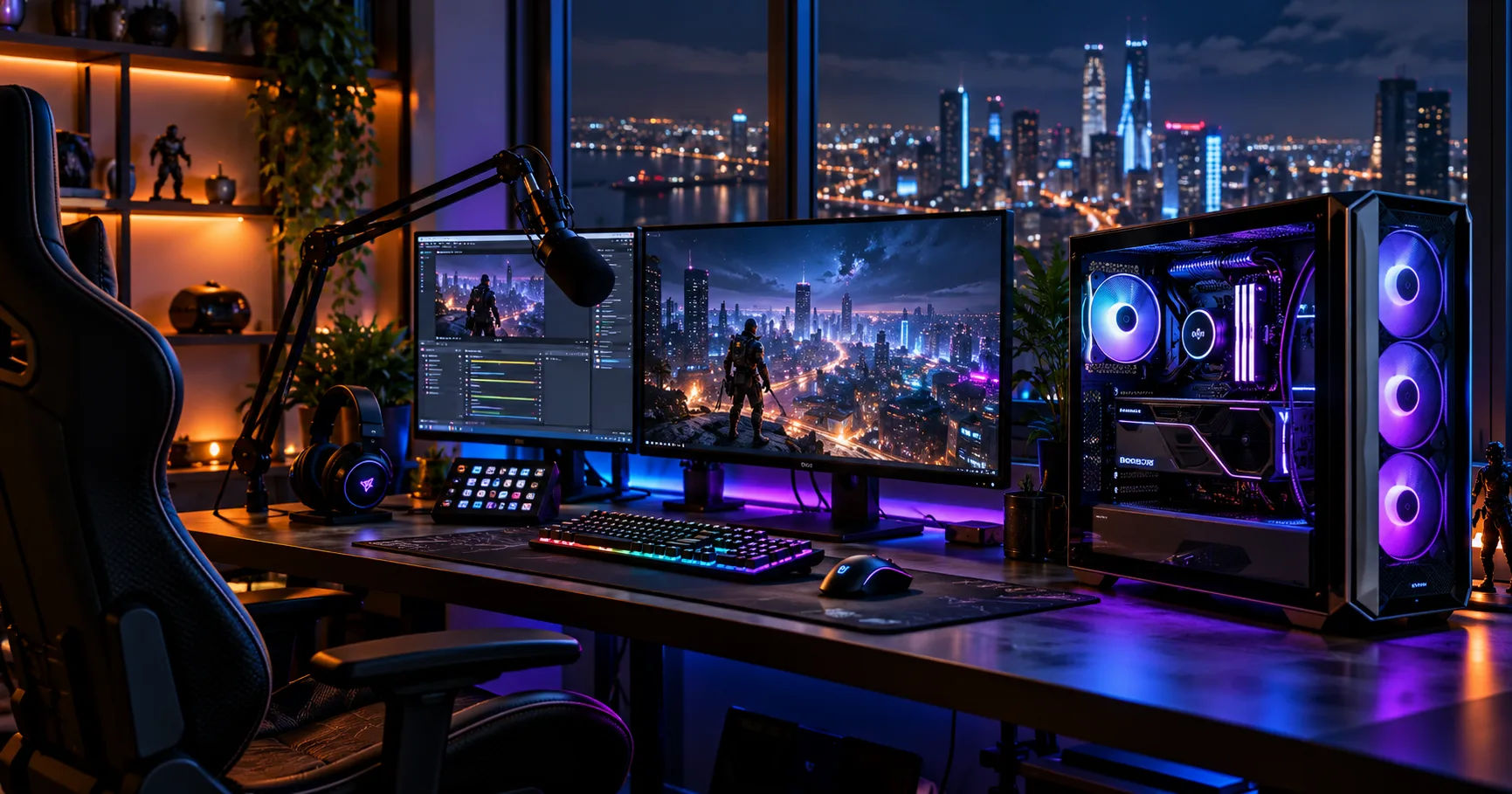
For gamers, streamers, and content creators, understanding graphics card encoding capabilities is important when choosing a powerful computer. NVIDIA's RTX 50-series graphics cards introduce advanced video processing features that can improve recording and streaming workflows. If you are considering a gaming pc rtx 5080, you may be wondering whether it supports AV1 encoding, how the technology works, and whether it offers practical advantages over older video formats.
The short answer is yes. A gaming PC equipped with the NVIDIA GeForce RTX 5080 supports AV1 hardware encoding through its dedicated video encoding hardware. This capability makes it a strong option for people who want to stream gameplay, record high-resolution footage, or produce videos without placing unnecessary pressure on the graphics processing cores responsible for rendering games.
Understanding the details can help you configure your system correctly and get the most out of its hardware.
What Is AV1 Encoding?
AV1 is a modern video compression format developed by the Alliance for Open Media. It was designed to deliver high-quality video while using less data than many older codecs, including H.264 and, in many situations, HEVC (H.265).
Video files contain enormous amounts of visual information. Without compression, recording a game at 1440p or 4K resolution can produce very large files. Compression reduces the amount of information required to store or transmit video while preserving as much visual detail as possible.
AV1 uses advanced compression techniques to achieve this balance. It is particularly useful for online streaming, gameplay recording, video publishing, and other applications where image quality and bandwidth matter.
Why AV1 Matters for Gamers
Gamers often need to balance performance, image quality, and file size. Older encoding formats can require higher bitrates to preserve fine details in fast-moving scenes, such as explosions, foliage, smoke, and rapid camera movements.
AV1 can often preserve these details at a lower bitrate than H.264. The exact improvement depends on the content, encoder settings, resolution, and platform.
This efficiency can provide several benefits:
-
Better visual quality at a given streaming bitrate.
-
Reduced bandwidth requirements for comparable quality.
-
Smaller recordings at comparable visual quality.
-
Improved suitability for high-resolution gameplay capture.
-
More flexibility when creating videos for online distribution.
AV1 does not automatically make every video smaller or improve every stream. The result depends on the encoder configuration and the characteristics of the footage. Nevertheless, it is an important option for modern gaming systems.
Does the RTX 5080 Have Dedicated AV1 Encoding Hardware?
Yes. NVIDIA officially lists AV1 encoding and decoding support for the GeForce RTX 5080. The card uses NVIDIA's Blackwell architecture and includes two ninth-generation NVIDIA encoders, known as NVENC.1
NVENC is a dedicated hardware component designed to process video encoding tasks. Instead of relying entirely on the CPU or the GPU's main graphics cores, compatible software can send video frames to this specialized hardware for compression.
This separation is especially useful when gaming and recording at the same time.
What Makes Ninth-Generation NVENC Important?
The RTX 5080's ninth-generation NVENC hardware supports modern encoding workflows, including AV1. NVIDIA's Blackwell platform also introduces additional video processing capabilities for professional production and editing.
Important capabilities include:
-
Hardware-accelerated AV1 encoding.
-
Support for 8-bit and 10-bit AV1 encoding.
-
Hardware encoding for H.264 and HEVC.
-
Two dedicated NVENC engines.
-
Improved options for high-quality video production.
NVIDIA's Video Codec SDK documents AV1 encoding capabilities and additional features available on Blackwell hardware. Actual results depend on the software being used and the selected encoding settings.
For someone building a gaming pc rtx 5080, these features mean that AV1 recording is not simply a theoretical possibility. It is a supported hardware feature that can be used through compatible applications.
How AV1 Encoding Works on an RTX 5080 Gaming PC
To understand the process, imagine that you are playing a demanding PC game and recording your session for a YouTube video.
Your graphics card renders each frame of the game. Those frames are then sent through a video encoding process that compresses them into a format suitable for storage or streaming.
When AV1 encoding is enabled, compatible software uses the RTX 5080's NVENC hardware to compress the footage into an AV1 video stream.
The resulting video can then be saved to your storage drive or transmitted to a streaming platform that accepts the format.
Game rendering
The GPU generates the gameplay frames.
RTX 5080 NVENC
Dedicated hardware encodes frames using AV1.
Local recording
Save compressed footage.
Live streaming
Transmit video over the internet.
This process allows encoding to run alongside gameplay. However, recording still consumes some system resources, and the final gaming performance depends on the game, resolution, graphics settings, frame rate, and background applications.
Does AV1 Encoding Affect Gaming Performance?
Hardware encoding is generally designed to reduce the CPU and graphics-rendering workload compared with relying on software encoding alone. NVIDIA describes NVENC as independent of the GPU's CUDA and graphics cores.
That does not mean recording has absolutely no performance cost.
The recording application still needs to capture frames, move data, manage buffers, and write files. If your game already uses nearly all available GPU resources, you may notice a small performance difference.
A well-configured gaming pc rtx 5080 should nevertheless be a strong platform for simultaneous gameplay and AV1 recording.
For the best results, keep your graphics drivers updated, avoid unnecessary background applications, and test your recording settings before starting an important session.
How to Enable AV1 Encoding on Your RTX 5080
Having compatible hardware is only the first step. You also need software that supports AV1 encoding and must select the correct encoder in its settings.
OBS Studio is a popular option because it supports game capture, livestreaming, and local recording. Other compatible recording and video production applications can also use NVIDIA's hardware encoder.
Step 1: Update Your NVIDIA Drivers
Install a current compatible NVIDIA graphics driver. You can use the NVIDIA App or download the appropriate driver from NVIDIA's official website.
Restart your computer if the installation requires it.
Keeping the driver updated helps maintain compatibility with recording applications and their supported encoding features.
Step 2: Install Compatible Recording Software
Install a recent version of OBS Studio or another application that supports NVIDIA AV1 hardware encoding.
Older software versions may not expose all the capabilities of newer graphics cards. If you cannot find AV1 in the encoder menu, check whether your application needs an update.
Step 3: Select the AV1 Encoder
In OBS Studio, open Settings and navigate to the Output section. Depending on your output mode and software version, the encoder selection appears under the Streaming or Recording settings.
Look for an NVIDIA hardware AV1 option, often identified by a name similar to NVIDIA NVENC AV1.
Select it for the task you want to perform.
If AV1 is unavailable, check your driver version, application version, output mode, and any platform-specific restrictions.
Step 4: Choose Appropriate Recording Settings
Your ideal settings depend on the purpose of the recording.
For local recordings, quality-based rate control can be useful because it allows the encoder to adjust the bitrate according to the complexity of the scene.
For streaming, bitrate and rate-control settings must also fit your upload bandwidth and the destination platform's requirements.
Start with a moderate preset, record a short sample, and examine the resulting video before increasing quality or performance settings.
Step 5: Test the Results
Record a demanding game for several minutes. Pay attention to image quality, file size, frame consistency, and audio synchronization.
Watch scenes containing rapid movement, detailed textures, smoke, and particles. These areas can reveal compression problems that are less noticeable in static scenes.
Testing helps you find a practical balance between quality and performance on your gaming pc rtx 5080.
Is AV1 Better Than H.264 and HEVC?
AV1 is often an excellent choice for modern gaming recordings, but the best codec depends on compatibility, editing requirements, and the destination of your video.
These comparisons are general rather than guarantees. Encoder implementations, bitrate, video complexity, and quality settings can change the outcome.
AV1 Versus H.264
H.264 remains popular because it works with a wide range of devices, editing applications, and streaming services.
However, H.264 may require a higher bitrate to maintain comparable visual quality in complex gaming footage. AV1 can offer a better balance between image quality and data usage.
If you want the widest possible compatibility with older hardware, H.264 remains useful. If your workflow supports modern codecs, AV1 is worth testing.
AV1 Versus HEVC
HEVC offers efficient compression and is already widely used for high-resolution video. AV1 can provide further efficiency improvements in many scenarios, although the difference varies with the encoder and content.
The gaming pc rtx 5080 supports all three formats through its NVIDIA encoding hardware, so you can choose according to your workflow rather than being restricted to one codec.
For editing projects, check whether your preferred software handles the selected format smoothly. A smaller file is not necessarily the easiest file to edit.
Can You Stream to YouTube and Twitch Using AV1?
AV1 can be useful for streaming, but the destination platform matters.
YouTube supports AV1 workflows in its broader video ecosystem, and AV1 can be an attractive option for creators who want efficient compression. However, the availability of a particular live-streaming codec or ingest configuration may depend on the platform's current requirements and the creator's account or streaming setup.
Twitch has also introduced support for AV1 in specific streaming workflows, but availability and requirements can change. You should confirm the current supported codecs, resolutions, and bitrates in the platform's official documentation before configuring your stream.
Do not assume that every streaming service accepts AV1 simply because your GPU can encode it.
Recommended Streaming Practices
When streaming from a gaming pc rtx 5080, consider the following:
-
Confirm that the streaming platform accepts AV1 for your specific broadcast configuration.
-
Match the bitrate to your stable upload speed.
-
Use a suitable output resolution and frame rate.
-
Test for dropped frames and encoding overload.
-
Keep a compatible alternative, such as H.264, available if required.
If the platform does not accept AV1 for your stream, the RTX 5080 can still use its hardware encoder for another supported format.
Is the RTX 5080 Suitable for 4K AV1 Recording?
Yes. The RTX 5080 is a capable choice for high-resolution recording because it combines powerful graphics hardware with dedicated video encoders.
However, successful 4K recording depends on more than the codec alone.
Your system must render the game at the desired settings, capture the footage, encode the frames, and write the output to storage without bottlenecks. The selected frame rate and quality settings also affect the workload.
Storage Requirements
High-quality recordings can occupy considerable disk space, even when using AV1.
An SSD is a sensible choice for demanding recording workflows, especially if you regularly capture high-resolution gameplay at high frame rates. Ensure that the drive has enough free capacity for long sessions.
If you plan to record several hours of gameplay, test the average file size of a short sample and use it to estimate your storage needs.
Memory and Processor Considerations
The RTX 5080 includes 16 GB of graphics memory, according to NVIDIA's published specifications.
The rest of your PC still matters. A suitable processor, sufficient system memory, and fast storage help keep gameplay and recording smooth.
A balanced gaming pc rtx 5080 build is preferable to spending heavily on the graphics card while neglecting other components.
Common AV1 Encoding Problems and Their Solutions
Even compatible hardware can encounter configuration issues. Most problems can be addressed by checking software support and recording settings.
AV1 Does Not Appear in the Encoder Menu
First, update your recording application and NVIDIA drivers.
Then confirm that the selected output mode exposes hardware encoders. Some applications show different options for streaming and local recording.
If AV1 remains unavailable, consult the application's current documentation to verify that your operating system and version support the required encoding mode.
Recordings Look Blurry or Blocky
AV1 does not eliminate compression artifacts. If your video looks poor, your bitrate may be too low or your quality setting may be too aggressive.
Increase the quality setting or bitrate gradually and record another sample. Fast-moving games often require more data than simple desktop footage.
Avoid judging quality from a single still frame. Watch the video at its intended playback resolution.
Games Experience Stuttering During Recording
Check whether the game is saturating the GPU, whether the recording drive is struggling, and whether other applications are consuming significant resources.
Try lowering a few demanding graphics settings, limiting the game's frame rate, or reducing the recording resolution.
A sensible configuration can improve consistency without requiring you to abandon AV1.
The Streaming Platform Rejects AV1
This usually indicates a compatibility or configuration issue rather than a lack of hardware support.
Verify the platform's current streaming requirements, select an accepted encoder, and check the required bitrate and output settings. The RTX 5080 can switch to supported alternatives when AV1 is not available for a particular workflow.
Who Benefits Most From AV1 Encoding?
AV1 encoding is especially valuable for people who regularly create or distribute video.
Livestreamers can benefit from efficient compression when their platform accepts AV1. This may help them maintain visual quality within a limited bitrate.
Gaming content creators can record detailed footage while keeping file sizes more manageable than with less efficient settings in many cases.
Video editors may appreciate AV1 for delivery and archiving, provided their editing software supports the format effectively.
Everyday gamers can use AV1 to capture highlights and memorable moments without needing a separate encoding card.
For users who only play games and never record or stream, AV1 encoding may not be a major purchasing consideration. It is still a useful capability to have available.
Conclusion
The NVIDIA GeForce RTX 5080 fully supports AV1 hardware encoding. Its Blackwell architecture and two ninth-generation NVENC engines make it a strong choice for modern gaming, streaming, and video production workflows. NVIDIA also documents support for AV1 decoding, giving the card useful capabilities for both creating and playing compatible video content.
A gaming pc rtx 5080 can use AV1 to record gameplay, create high-quality video files, and stream through compatible software and services. The dedicated encoder helps keep video processing separate from the GPU's main graphics workload, making simultaneous gaming and recording practical.
To get the best results, install current drivers, use updated recording software, select the AV1 hardware encoder, and test your quality settings before recording important footage. Remember that platform compatibility, bitrate, storage speed, and overall system configuration still influence the final result.
AV1 is not automatically the best choice for every situation. H.264 remains valuable for broad compatibility, while HEVC can suit established editing and delivery workflows. Fortunately, the RTX 5080 supports these alternatives too.
For gamers and creators who want a modern graphics card with flexible encoding options, AV1 support is a meaningful advantage. With the right software and configuration, the RTX 5080 can serve as a powerful foundation for high-quality gameplay recording and video production.
